QR Shortcode
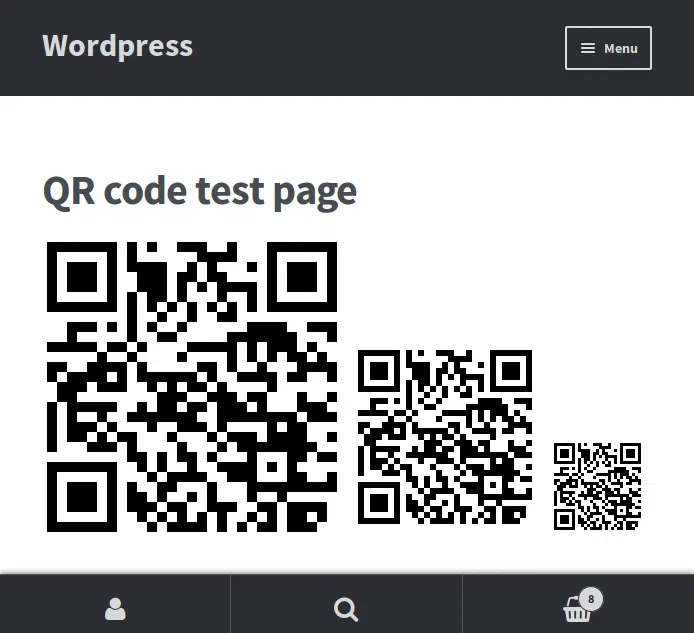
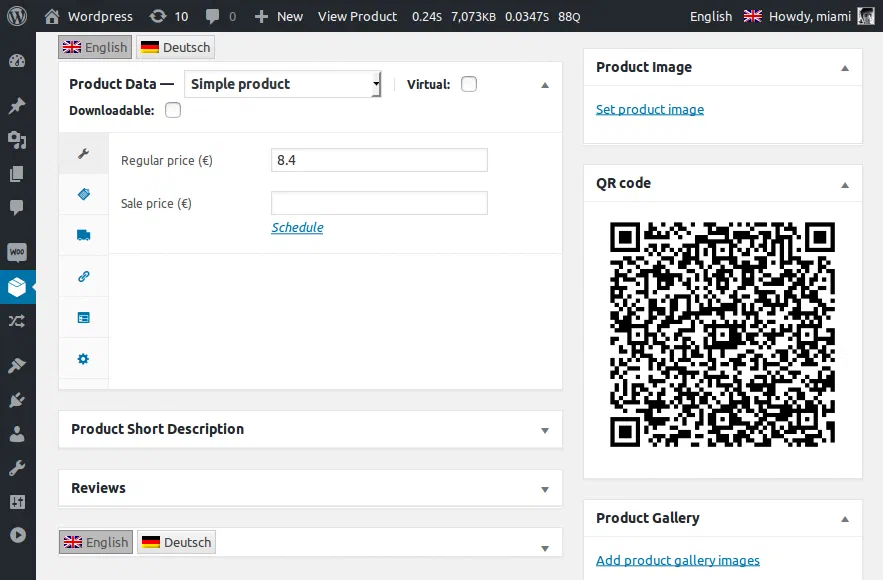
The plugin adds a [qr] shortcode and shows a QR image on the admin pages of all post types.
Download plugin or view on GitHub
Contributors: miamibc · Tags: qr, shortcode, qrcode · Requires at least: 4.0 · Tested up to: 4.6.1 · License: GPLv2 or later
Description
You can put the shortcode [qr] in your post to display a QR code with the address of your page — or of any other page with [qr link="http://example.com"]. On the admin pages of a post/page/custom post type you’ll see the QR code once it is published.
Features
- Shortcode
[qr]for a QR code linking to the current page [qr link="..."]for any link[qr size="100"]— 100/200/300 is the size of the QR code[qr style="width: 100%; height: auto;"]to add any style to the image- Cached image — only one request to the Google server per address
More
- We made it, because we want WordPress to get better;
- We made it, because it’s simple and we can do it;
- We made it, to show what we can and to learn something new;
- «Show what you can. Learn what you don’t.» — BlackCrystal, 1999.
Installation
- Upload the plugin files to the
/wp-content/plugins/qr-shortcodedirectory, or install the plugin through the WordPress plugins screen directly. - Activate the plugin through the Plugins screen in WordPress.
Screenshots
Changelog
- 1.0 — initial version